Yo Fam! I noticed a few of the same questions popping up, so I put together a quick video breaking down the most common FAQs—and showing exactly how I use Layerizer in my own projects.

Jay Cactus
Creator of Layerizer

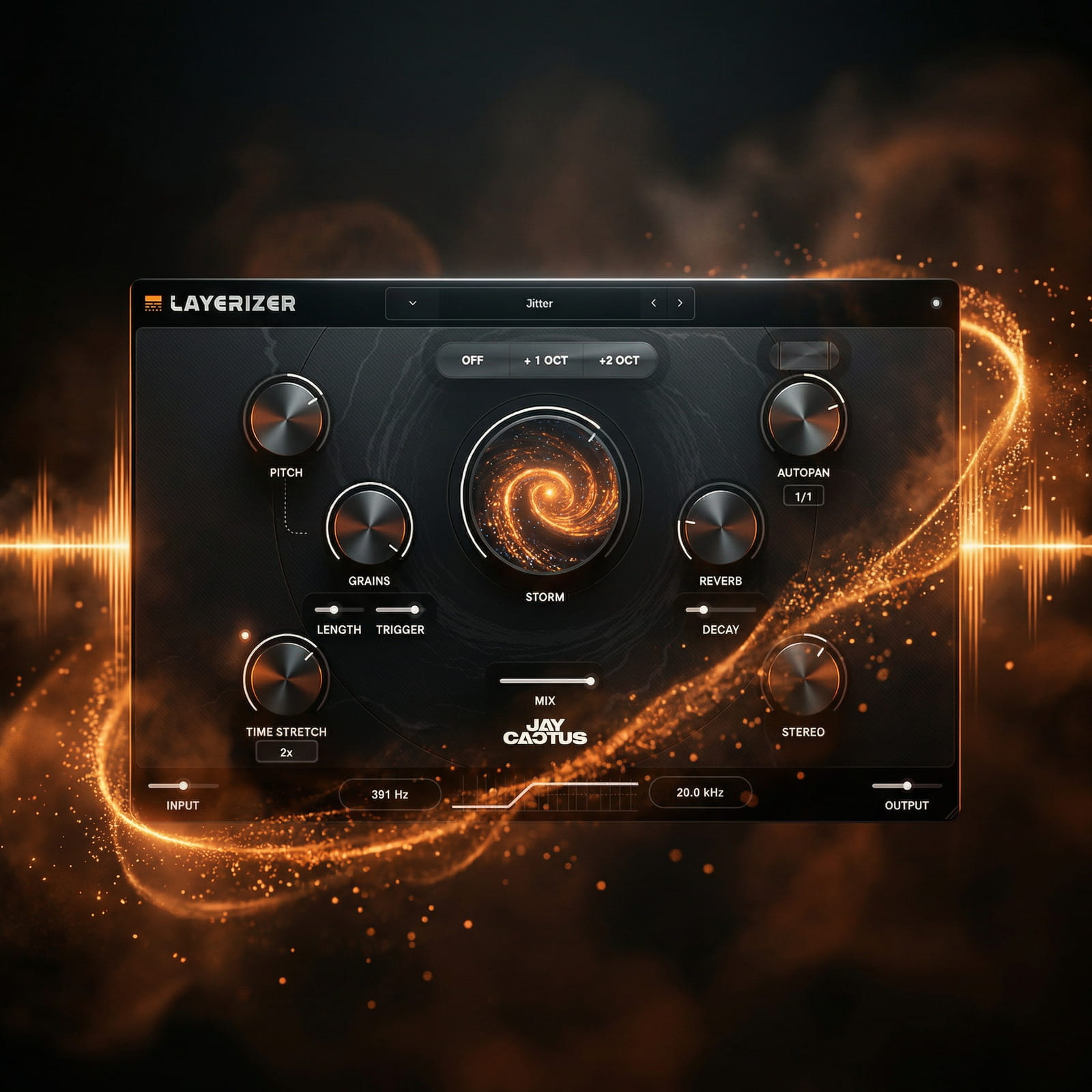
Layerizer Knob Breakdown

Pitch
Shift the pitch of the granular layer to create harmonies, tension or subtle movement.
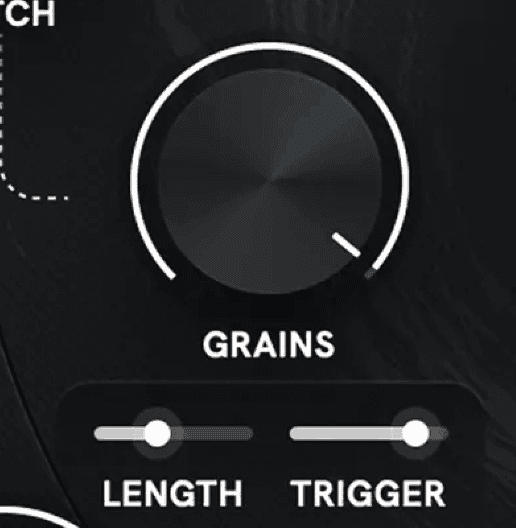
Grains
Break your melody into grains to generate unique textures and evolving layers.
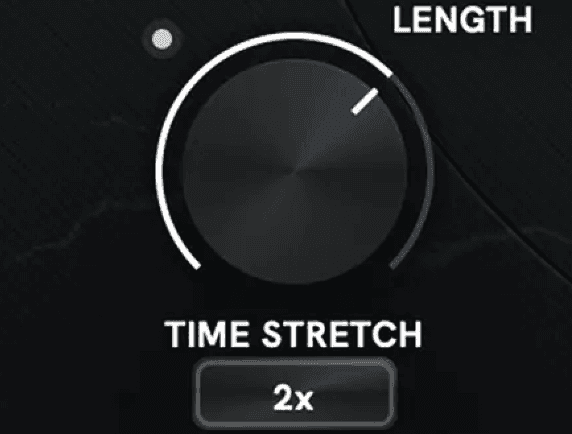
Time Stretch
Slow your melody down into ambient textures that move independently from the original.

Storm
One knob that adds intensity, movement and randomness — instantly transforming your layer.
Mix
Blend the processed layer with your original melody for the perfect balance.
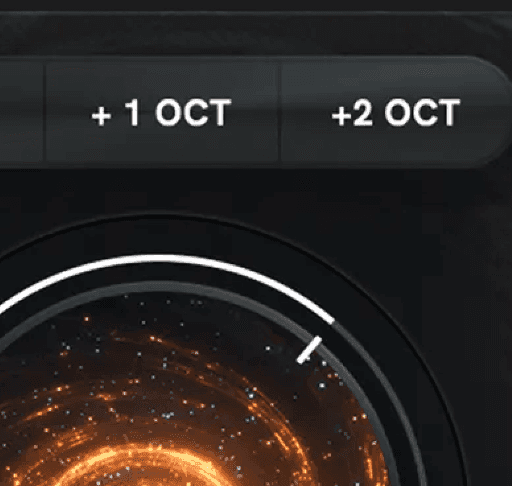
Octave
Instantly shift your melody up an octave to create clean, high-end layers.
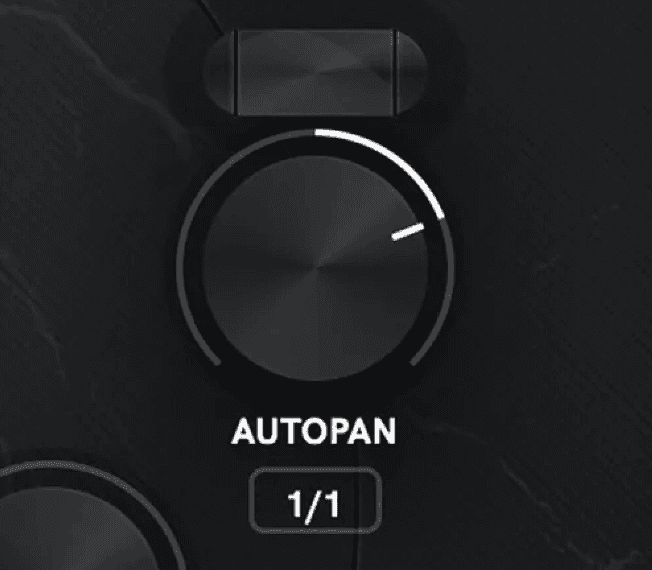
Autopan
Create movement and width by automatically panning your layer across the stereo field.
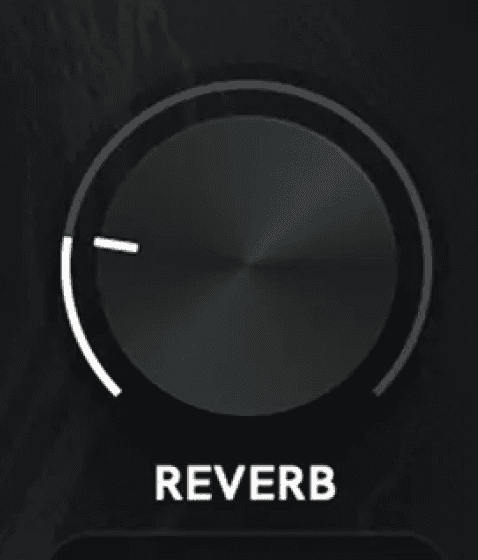
Reverb
Add space and depth with wide atmospheric tails that sit behind your melody.
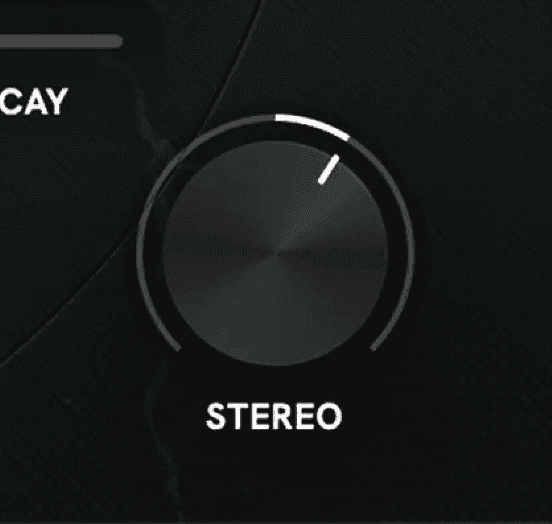
Stereo
Expand your layer across the stereo field to make your sound wider and more immersive.
Get the Layerizer Launch Edition
To celebrate the launch of Layerizer, you can grab the Launch Edition for only $67. This week only with over $573 of bonuses!
PRE-ORDER BONUSES:
Get Layerizer for $67 instead of $99
Layerizer Production Suite ($249 Value)
Lifetime FREE Layerizer Presets ($199+ Value)
$25 Cactus Store Gift Card
Layerizer Beat Battle Entry Ticket with over $1,000 worth of prizes. (Priceless)


